

Top 5 WordPress Video Player Plugins
WordPress, by default, doesn’t come with a media player option. From Gutenberg blocks, you can add videos and embed YouTube videos, but those lack deeper customization opportunities.
That’s why you need a media player plugin to activate more options for your audio and video.
But first, let me help you with the question coming into your mind, “Why do we need to add media?”
The video consumption rate is high, accounting for 82% of all internet traffic in 2022.
The purpose of adding media is many. From marketing to educating, you can utilize the hidden benefits of audio and video.
Not only that, you can even build a business with video or audio. This is a huge opportunity for content creators and online business owners.
Have a quick look at what you can do with media:
- Adding promotional content
- Creating video-based businesses
- Educating people
- Starting a podcast on your own website
- Collect leads with engaging content
- Multiple monetization opportunities
In this post, I’ll talk about the top WordPress video player plugins.
Why do you need a WordPress video player plugin?
Before talking about the plugins, I’ll briefly tell you why you need one.
Gutenberg has a video block, and you can embed a video easily with that. But, if your goal is to better the user experience, you should invest in a quality video player. Let me tell you why:
- More player controls: A video player will give your user more control, like play/pause buttons, speed and volume control, and many additional features to increase the viewing experience.
- Increase user engagement: With a video player, you will have more freedom to add videos and impress users with brand color matching or attractive thumbnails. This way, you’ll get more engagement.
- Lead collection: If your player email collection feature, you can enjoy this facility to contact your users later for further relationship: to promote offers or let them know about something exciting.
- Monetization: By placing ads through your videos, you can earn some extra bucks, since video has a high engagement rate.
- Content promotion: With a simple overlay, you can add a link to a piece of content that may be a blog post or another video.
- Reduce bounce rate: People love to watch videos, which ensures more time spent on your website.
- Video-based website: If you have a video-focused website where you want to show your marketing or educational content, a video player plugin gives you a lot more equipment than the default embedding option.
Top WordPress Video Player Plugins
Here’s my list of the best video player plugins for WordPress that can be used to elevate media experience for your users.
AutoCraft Player
This is a new plugin that is still in the making, with a basic version available in the WordPress plugin repository.
Before talking about the plugin, let me tell you what’s wrong with the existing solutions.
- These plugins only have basic features that may not resonate with your needs.
- Also, their complicated UI will make you feel convoluted.
- They lack advanced monetization or have no monetization opportunity at all.
- The premium versions are expensive compared to the features they offer.
- Not enough features for audio, so podcasters and music creators can’t do much.
So, yes, AutoCraft Player is coming to mitigate all the problems related to the current top players in the market.
Join the waitlist.

It’s easy to get started with AutoCraft. Most players will give you a hard time adding videos and customizing the player. Some of them don’t even have a Gutenberg block.
With Autocraft, you’ll get a nice block that will guide you to what to do next.
Another amazing feature is that AutoCraft Player supports all sources, be it self-hosted videos or a third-party source like YouTube and Vimeo.
All you have to do is paste the link. You can even host videos from any CDN you want.
No matter the extension of your video, AutoCraft Player supports all formats, including MP4, OGV, WebM, and FLV.
AutoCraft Player will allow you to add overlays to your videos. With them, you can place a link to another video or content. You can define when to show those overlays.
Many players offer muted autoplay as a pro feature, which is a free feature with the Gutenberg video block. Well, the AutoCraft player keeps it free.
You prepare different types of lead magnets to collect emails. But what about videos?
AutoCraft Player allows you to capture emails with forms during video play.
Presto Player
An amazing video player plugin to add self-hosted video or videos from third-party sources like YouTube and Vimeo.
It will also allow users to connect videos from Bunny.net. Not to mention, it has support for different kinds of video formats that include HLS.
The support for major page builders like Gutenberg and Elementor is a huge plus point, which makes you comfortable working with video players in your familiar environment.
Presto also lets you collect leads during the video play, and later, you can utilize the leads via email marketing tools like FluentCRM and ActiveCampaign.
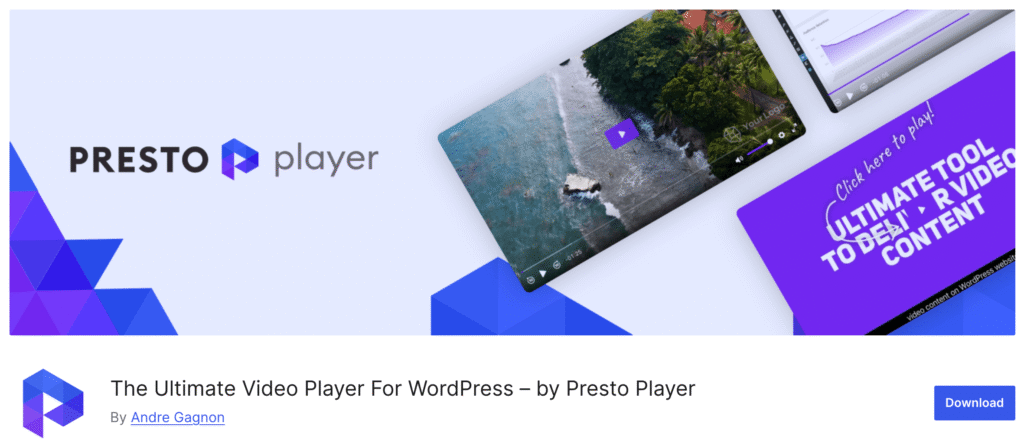
For analytics, Presto Player has an integration with Google Analytics.
Presto has a deep connection to online learning. Not only does it support playlists, focus mode, and private videos, but it also has integrations with TutorLMS, LearnDash, and LifterLMS.
I’ve already talked about the tools it’s connected with. Presto has a great list of integrations. Besides the ones I mentioned above, it connects with WPFusion, AutomatorWP, RankMath, and Uncanny Automator.
Although Presto Player is a popular plugin in WordPress, it has some cons that users should know before choosing it for their business.
It has some paid features which are available in other plugins’ free versions. Let’s say muted autoplay – it’s even free with the Gutenberg video block.
Another thing is that they only support BunnyCDN, while there are many other popular CDN services.
I also need to mention that you can’t build custom presets. I mean, you can, but when you build a preset, it is supposed to work for a particular video. But it applies to all the videos.
And the analytics feature is too basic. You won’t find enough data to understand your media performance.
HTML5 Video Player
Here’s a cool plugin to add videos to your website. It’s a good option for those who are looking for an easy solution for video marketing.
With HTML5 Video Player, you’ll get full control over your videos and customize the player with a wide range of freedom.
For instance, muted autoplay, loop, preview for paid content, custom CSS, and sticky on scroll are some features worth mentioning.
If you need to add chapters, overlay, end screen, and watermark to your videos, HTML5 Video Player is a great option to keep on the list.
Another good thing that this plugin offers is its huge support for various formats, including MP4, FLV, and so on.
You can easily choose this plugin for multipurpose use, which ranges from tutorials to promotional content, while getting full player control with mute, restart, rewind, and download.
Skins and color customization, SEO support, and many other free features make this plugin a strong contender among competitors.
I’d also like to mention another great feature that’s highly useful for Gutenberg blocks. The shortcode generator allows you to display the player across your website.
Now let me tell you what I don’t like about this plugin. It doesn’t offer any analytics feature, so you cannot measure your video performance.
Also, it doesn’t have any connection with email marketing tools. This way, it’s hard for users to get extra benefits from viewers.
Easy Video Player
Here’s another popular video player plugin that comes with easy settings and extensive features – Easy Video Player. No wonder this plugin is popular in this category.
This player gives you minimal experience; maybe that’s why people like to use it on their website for displaying video files.
Since the player is built on HTML5 and jQuery, you have to enable jQuery from the General tab. And, by the way, this plugin only supports MP4 video formats.
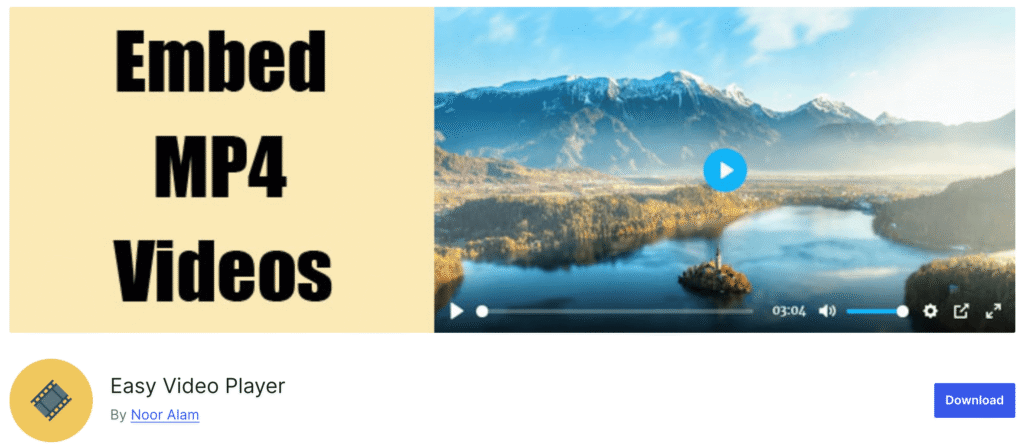
Let’s see the steps of how to add a video. Go to your page or post, and add a shortcode block. Then you have to paste a special shortcode, which you’ll find on the plugin’s website.
Like other video player plugins, this one also allows you muted video, loop, poster image, and player size, but you have to configure it within the shortcode.
Among all the good options, you can set post images and add custom classes to style the player.
Although the main plugin is free, there are paid addons which you can use if needed. The four addons work separately for skins (with MediaElement.js), user-only videos, schema, and disabling right click.
There are many things that you may not like about this plugin. First of all, its UX. Yeah, it really has a very bad user experience. It will take you minutes to understand where the plugin is gone after the installation. After a moment of searching, I discovered it goes inside Settings.
And, don’t waste your time looking for the Gutenberg block for this plugin because there’s none. I’ve already mentioned the steps above on how hard it is to add a video using shortcode customization.
All-in-One Video Gallery
All-in-One Video Gallery is a fantastic plugin that was made for creating video galleries on your website.
It has a nice Gutenberg block that allows you to upload videos from your computer or add from the media library. Additionally, you can paste an external link to your video.
For direct upload, AIOVG supports MP4, WebM, OGV, m4v, and mov formats. If you want to get your videos from third-party hosts, it has a large collection that integrates YouTube, Vimeo, Dailymotion, Rumble, and Facebook.
I must say, for support of the various formats and platforms, All-in-One Video Gallery is truly a gem. However, I need to mention that it also supports HLS and MPEG-DASH, if you’re looking for these options too.
And, the Bunny Stream integration is a plus when you want to stream your videos from a popular hosting like Bunny.net. All you need to do is configure the settings.
Let’s talk about the player and how useful it is with control and everything.
Well, you can activate autoplay, loop, and muted with your player when you need them. I like the player control options that include many options, including progress bar, speed control, volume, and fullscreen button.
On top of that, you can also add download and share buttons to allow users to do more with the video.
With the pro version, you can access multiple templates, a thumbnail generator, playlists, and front-end user submission.
The UI is a bit complicated, considering the modern-day appeal. The free version offers a bunch of great features, yet you need to upgrade to the pro version for more advanced customizing opportunities.
That’s all!
I believe you have found the right plugin for displaying videos on your website by now. Let’s join the waitlist of the AutoCraft Player to get the amazing launch deal.